
Calling an URL at the push of a button (webhook)
It is possible to call up a URL via HTTP (webhook) from the Behnke Station while the call is being established. The prerequisite for this is that one of the two relays of the Behnke Station is not in use, since webhooks can only be triggered when a relay of the Behnke Station is activated. How to set this up exactly is described in this configuration guide. Since relay 1 is usually used to control a door opener, the configuration is shown for relay 2 in this guide. If you want to use relay 1 instead, you can simply apply the settings shown for this relay.
1. Configuring the relay
-
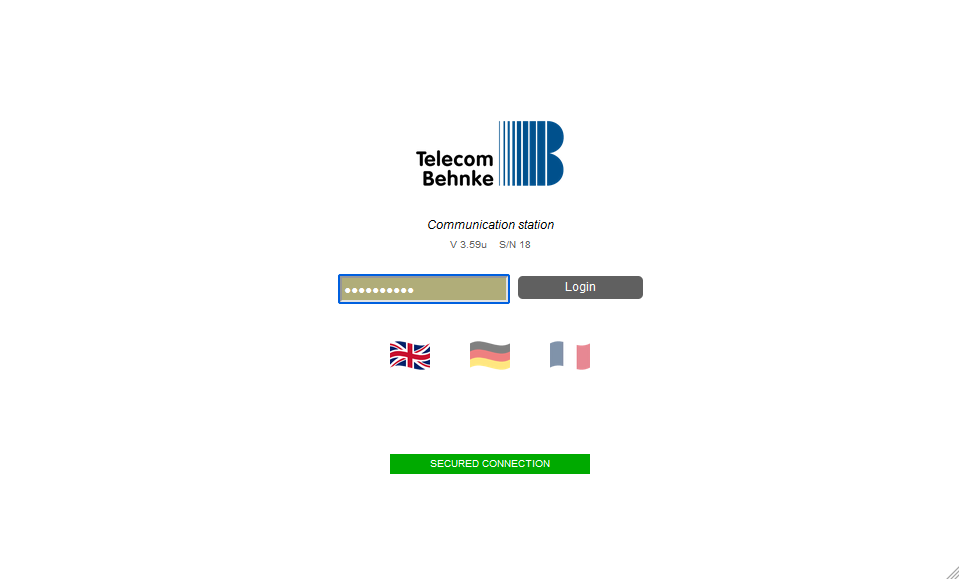
Start your browser, call up the Behnke Station's configuration interface and log in.
-
Click on "Relays" in the menu on the left. Make the following settings in the "Relay 2" section. Then click "Save" on the left.
Parameter Value Operation mode connection indication Activate while incoming connection no Activate when outgoing connection no Webhook for activation your URL (optional) Webhook for deactivation your URL (optional) 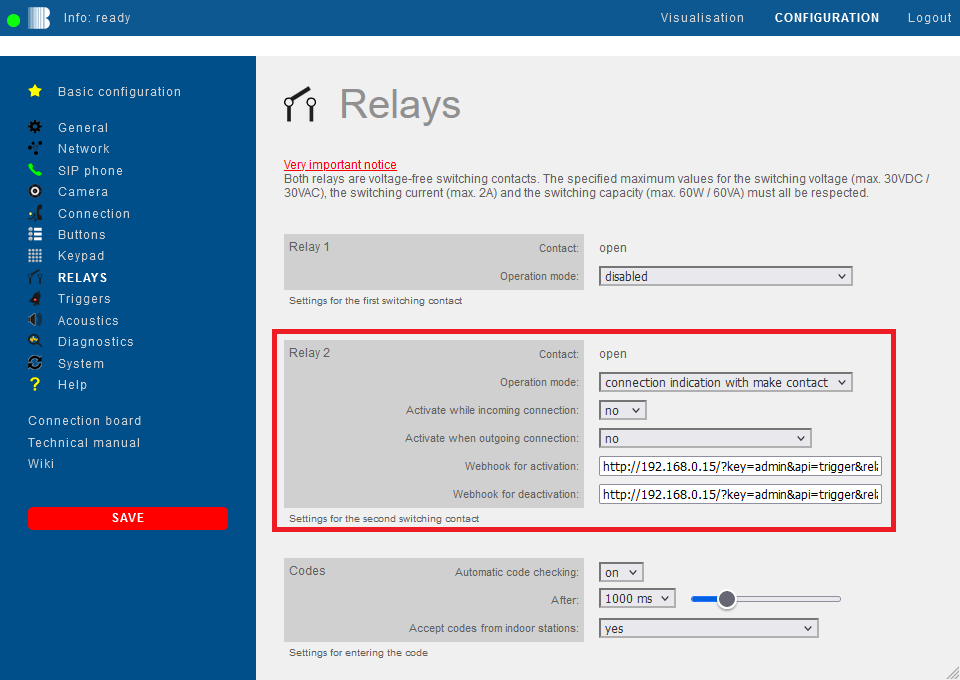
NOTE:If desired, you can specify two different webhooks. One is triggered when the connection is established, and the other after the connection has ended (see webhook for activation/deactivation). However, you can also enter just one webhook, depending on when you want the webhook to be triggered.


2. Configuration for a specific button
If you want the webhook to be triggered only when a specific button is pressed, please do the following:
Switch to the "Buttons" menu item on the left. Enter the following code for the desired button in the field "Number" and then click on "Save" again on the left.
cmd:on2;<Call number>, e.g.:
cmd:on2;102

NOTE:If you want to use relay 1 to trigger the webhook instead of relay 2, you have to replacecmd:on2withcmd:on1in the code above!
This completes the setup. If you now press the configured button, relay 2 is switched and the URL stored in the webhook is called up. Then the configured phone number is dialled. After hanging up the second webhook is triggered.
3. Configuration for all buttons, display and keypad
If the webhook is not only to be triggered via a specific call button, but for all calls triggered by the Behnke Station, simply select the option "yes" in the "Relay" menu item for the "Activate when outgoing connection" parameter. Each outgoing connection from the Behnke Station - regardless of whether it was triggered via a call button, the keypad or the display - will then trigger the webhook. In this case, the programming of the button as described in step 2 is not necessary.

4. FAQ
Note
There is currently no content available here yet. As soon as content is planned, the pages will be marked as planned. Feel free to use the Report a problem function on the right in the toolbar to request new content, ask questions, or report anything that is unclear.
You can also give feedback after every heading, so that we can continuously improve our wiki:
- Move your mouse over the heading
- A small ? appears
- Click the small ?
We welcome every suggestion, every correction and every idea for improvement.